What Gatsbi Offers as an AI Platform for Research
— Gatsbi
This product overview is published by Gatsbi. It explains how the platform supports research ideation, manuscript drafting and evidence-review tasks, and where authors still need to inspect the outputs.
Research.com has published a review of Gatsbi. Readers can consult that article for its assessment. The descriptions below are Gatsbi’s own account of its workflows, not an independent comparison or proof that the product is suitable for every research task.
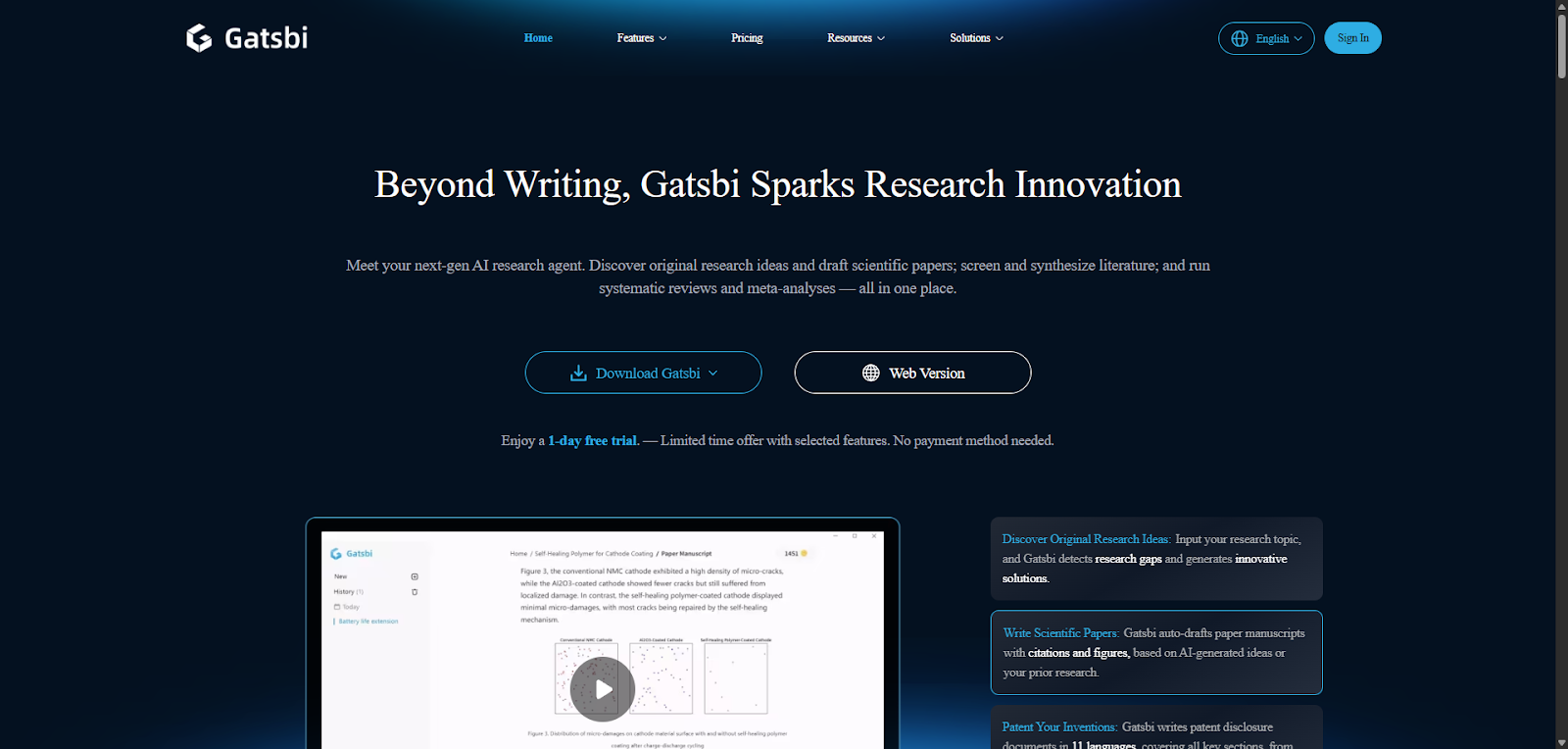
What Is Gatsbi?
Gatsbi provides AI-assisted workflows for exploring research ideas and organizing research materials into drafts. A useful starting point is the task and the evidence available: developing a possible approach, writing from existing findings, preparing an internal invention disclosure, or reviewing selected literature.
Generated ideas and text need to be checked against the relevant sources and research records. A proposed gap is not proof of novelty, and a complete-looking manuscript does not establish that its methods or results are valid.
Core Workflows and Their Outputs
- Ideation: Explore possible approaches to a research or technical problem. Evaluate suggestions against the literature, feasibility and evidence needed to test them.
- Manuscript drafting: Use Gatsbi Writer with research notes or a DOCX file, review its summary, and prepare a draft for revision.
- Invention disclosure: Organize technical material into a disclosure draft for internal checking or discussion with a patent professional. Drafting does not establish patentability or file an application.
- Evidence review: Use Gatsbi Reviewer to prepare candidate studies and synthesis outputs, then check decisions, extracted values and interpretations against the protocol and sources.
- Export: Use the available document formats for further editing. Open the resulting file and verify citations, equations, figures and layout in the intended editor.
Where These Workflows May Help
A structured workflow can make it easier to organize material, inspect intermediate outputs and revise a document. Its value depends on the input, task and amount of checking needed. Try a bounded example from your own work and compare the result with a known source or calculation before expanding the project.
For ideation, the useful output may be a set of alternatives to investigate. For writing, it may be an editable outline or draft. For evidence review, it may be a set of records that helps a reviewer check sources and decisions. None of these outputs removes the need for the underlying research.
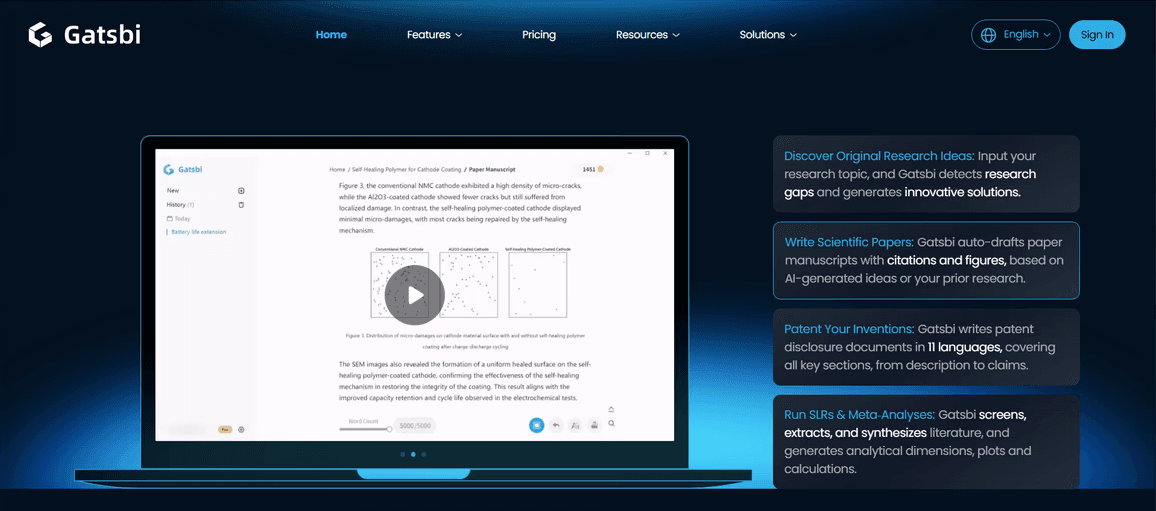
Check Data Handling for the Feature You Use
A desktop interface does not establish that all processing stays on the device. Before supplying unpublished or restricted materials, check the current service terms, data flows, providers, retention and access controls for the feature and account you intend to use. Use only inputs you are permitted to share.
Choose a Starting Task
Start with the relevant tutorial and a small set of materials you understand well. Keep the original inputs, inspect the generated output and note any corrections. That gives you a concrete basis for deciding whether the workflow fits your research and editing process.