Automated Systematic Reviews and Meta-Analyses
Gatsbi Reviewer is your intelligent assistant for generating high-quality Systematic Literature Reviews (SLRs) and Meta-Analyses—automatically. Whether you're exploring a research landscape or synthesizing effect sizes across studies, Gatsbi helps you save hours of manual work with just a few clicks.
Here’s how to use it:
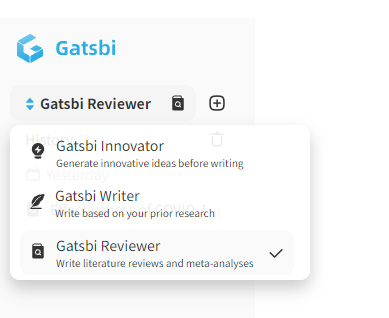
Step 1: Enter Your Research Topic
Begin by typing your research topic into the input box on the Gatsbi Reviewer page.
- Meta-analysis – Use this option if your review will include statistical synthesis. Otherwise, proceed with a standard SLR.
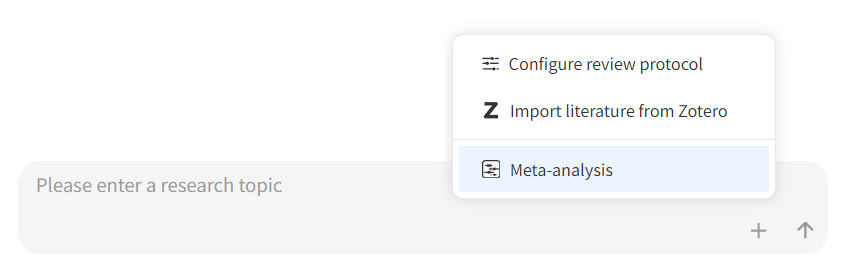
Optional Step: Configure Review Protocol
Before starting the review process, you can optionally configure a detailed review protocol.
Click the + button next to the input box and select Configure review protocol. This allows you to define how Gatsbi should conduct the systematic review/meta-analysis, including the research question, filtering rules, search strategy, inclusion and exclusion criteria, etc.
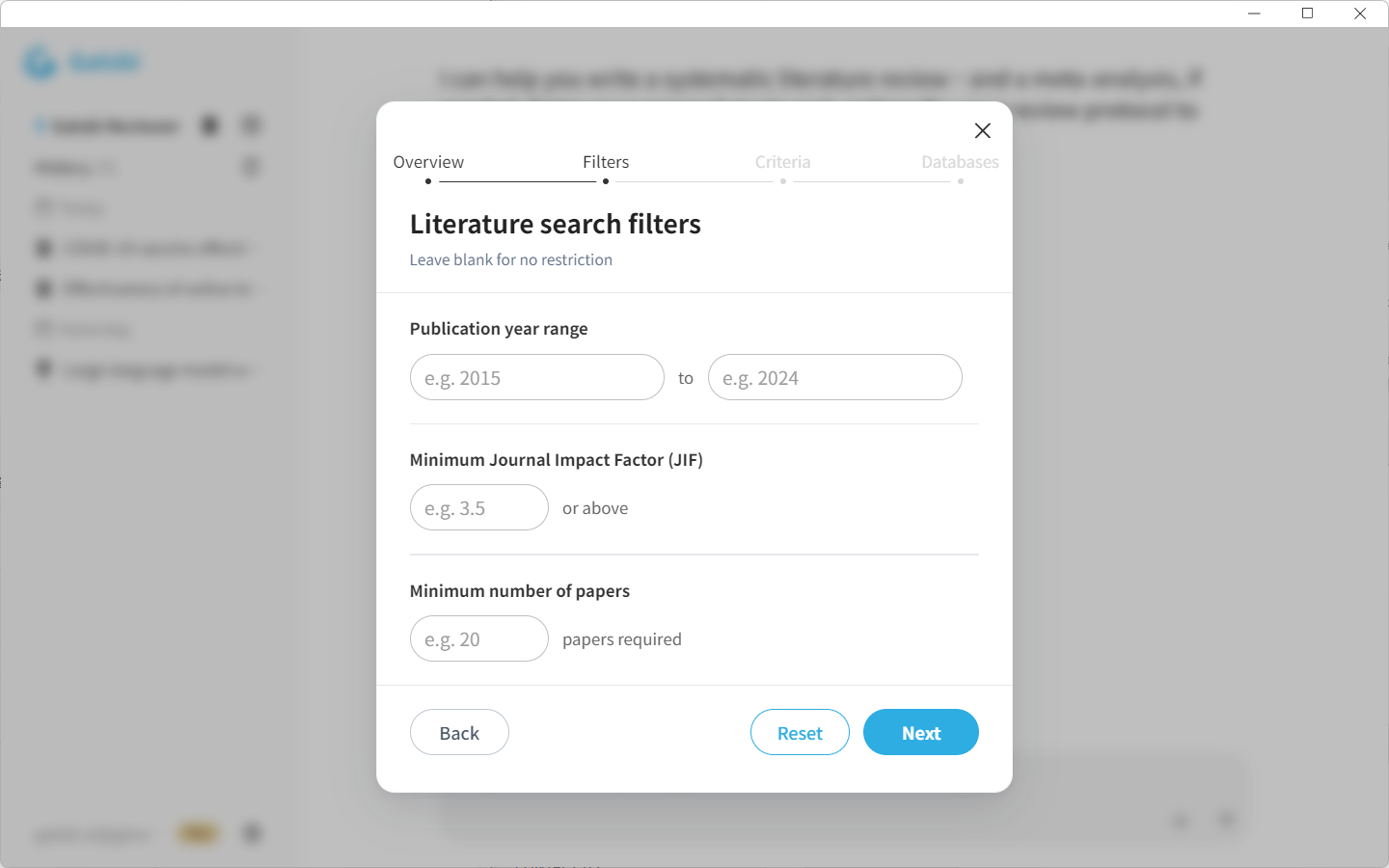
This step is optional. If you do not configure a protocol manually, Gatsbi will generate and apply a review protocol based on your research topic.
Step 2: Let Gatsbi Search, Screen and Synthesize for You
Once you submit your topic, Gatsbi will automatically:
- Search across major academic databases
- Screen and filter the most relevant studies
- Synthesize the evidence into structured insights
No need for manual screening — the system handles it for you using advanced AI algorithms.
Step 3: Check and Curate Your Study List
After screening, Gatsbi will:
- Generate a structured outline based on your topic
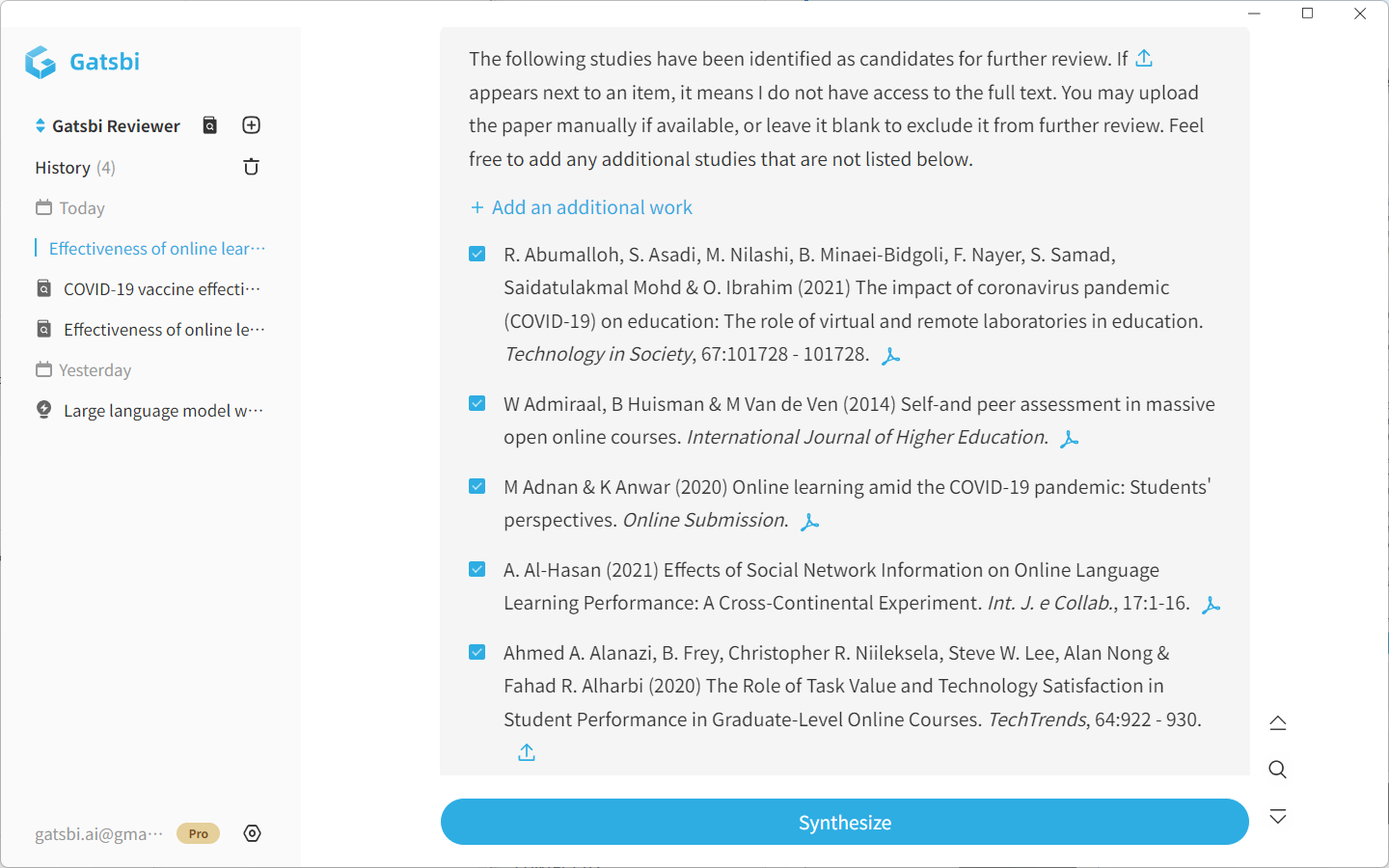
- Display a list of candidate studies
You can:
- Select or deselect studies from the list
- Upload your own PDFs to include specific papers not retrieved by the system.
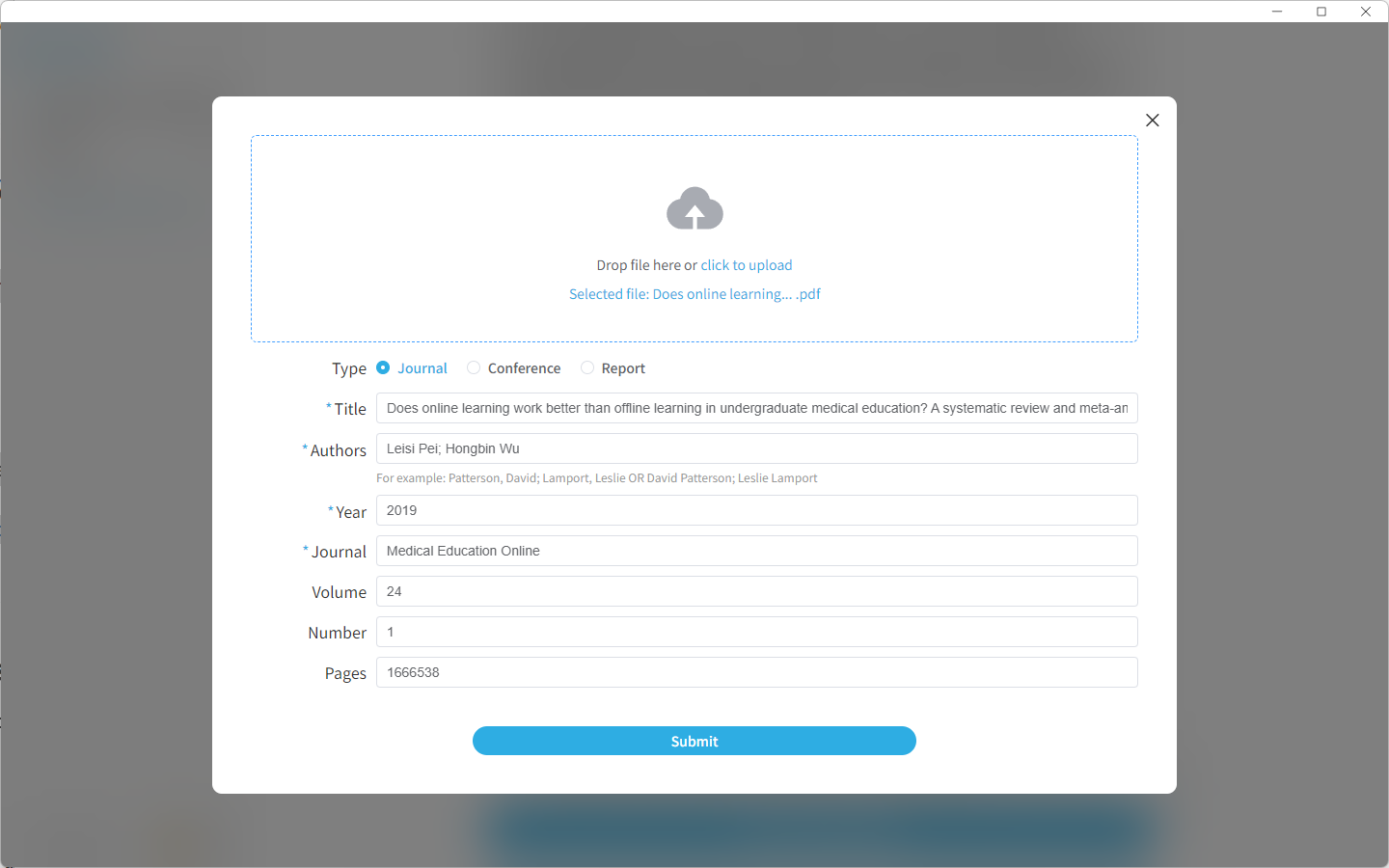
Step 4: Review & Edit Synthesis Results
Gatsbi will generate the Synthesis Results for your systematic literature review.
For Systematic Review
This includes the extracted study information, study characteristics, thematic groupings, and key findings that will be used for manuscript writing.
Before continuing, review the synthesis results carefully. You can edit study details, adjust groupings, refine extracted findings, or remove studies that should not be included in the final draft.
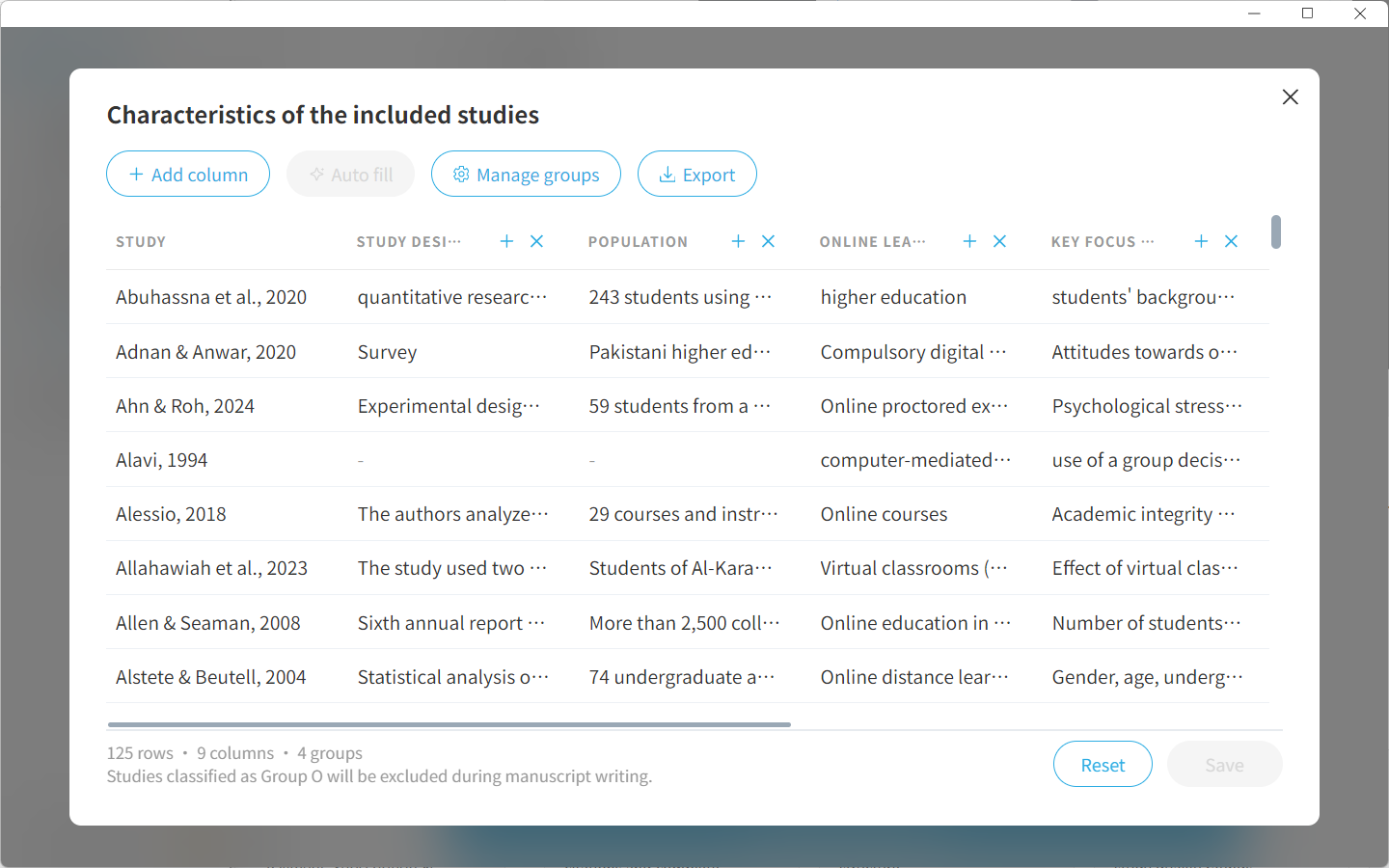
For Meta-Analysis
This includes the included studies, extracted outcome data, effect measures, study groupings, and statistical information that will be used for quantitative synthesis.
Before continuing, review the extracted data carefully. You can edit outcome values, check effect size inputs, add studies that are missed by AI or remove studies that are not suitable for meta-analysis.
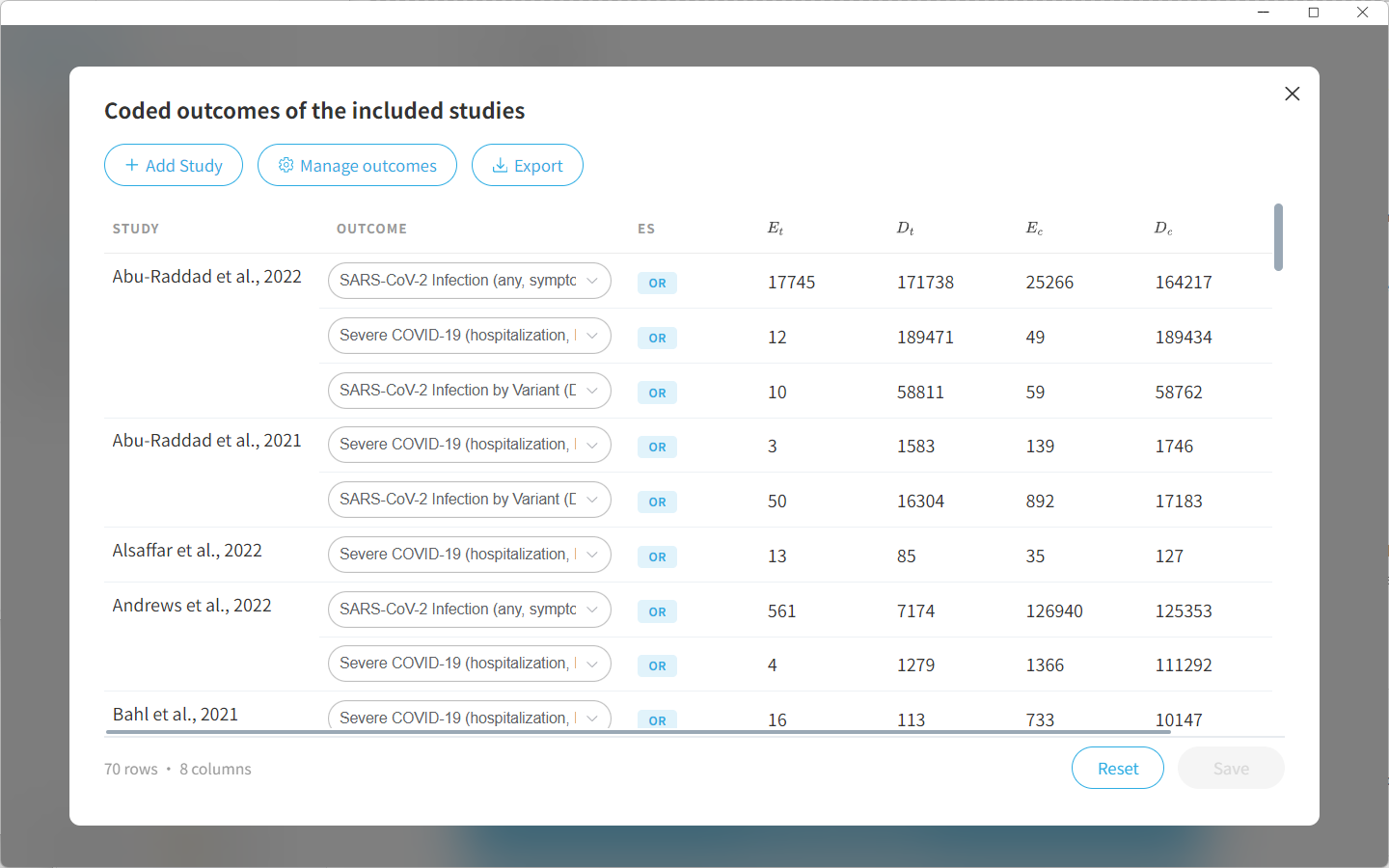
Step 5: Write a Paper Manuscript
Now it’s time to create your full-length manuscript:
- Click “Write a Paper Manuscript”
If you selected SLR:
Writing starts immediately. Gatsbi will synthesize findings, generate thematic summaries, and create a structured draft—all in minutes.
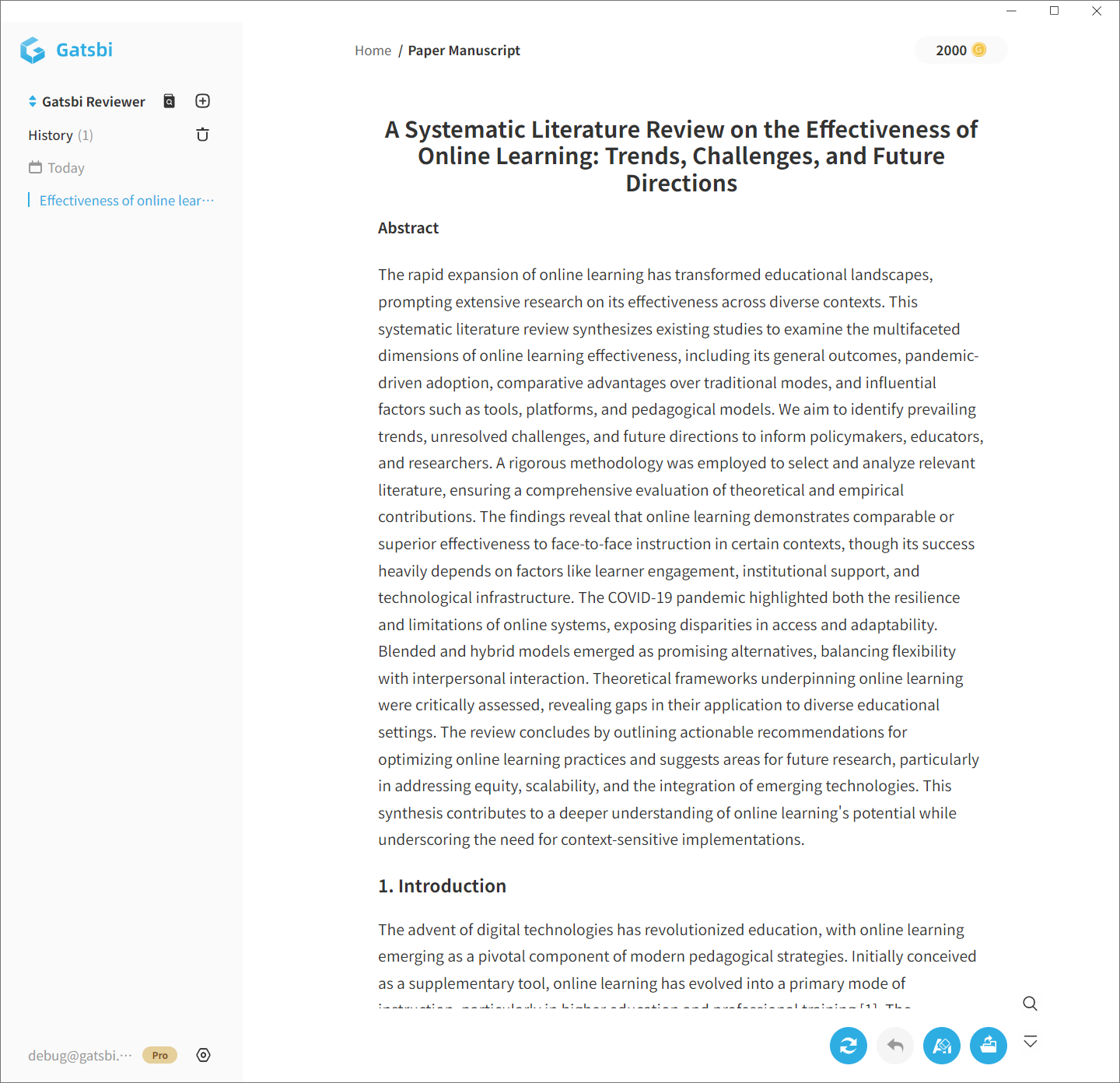
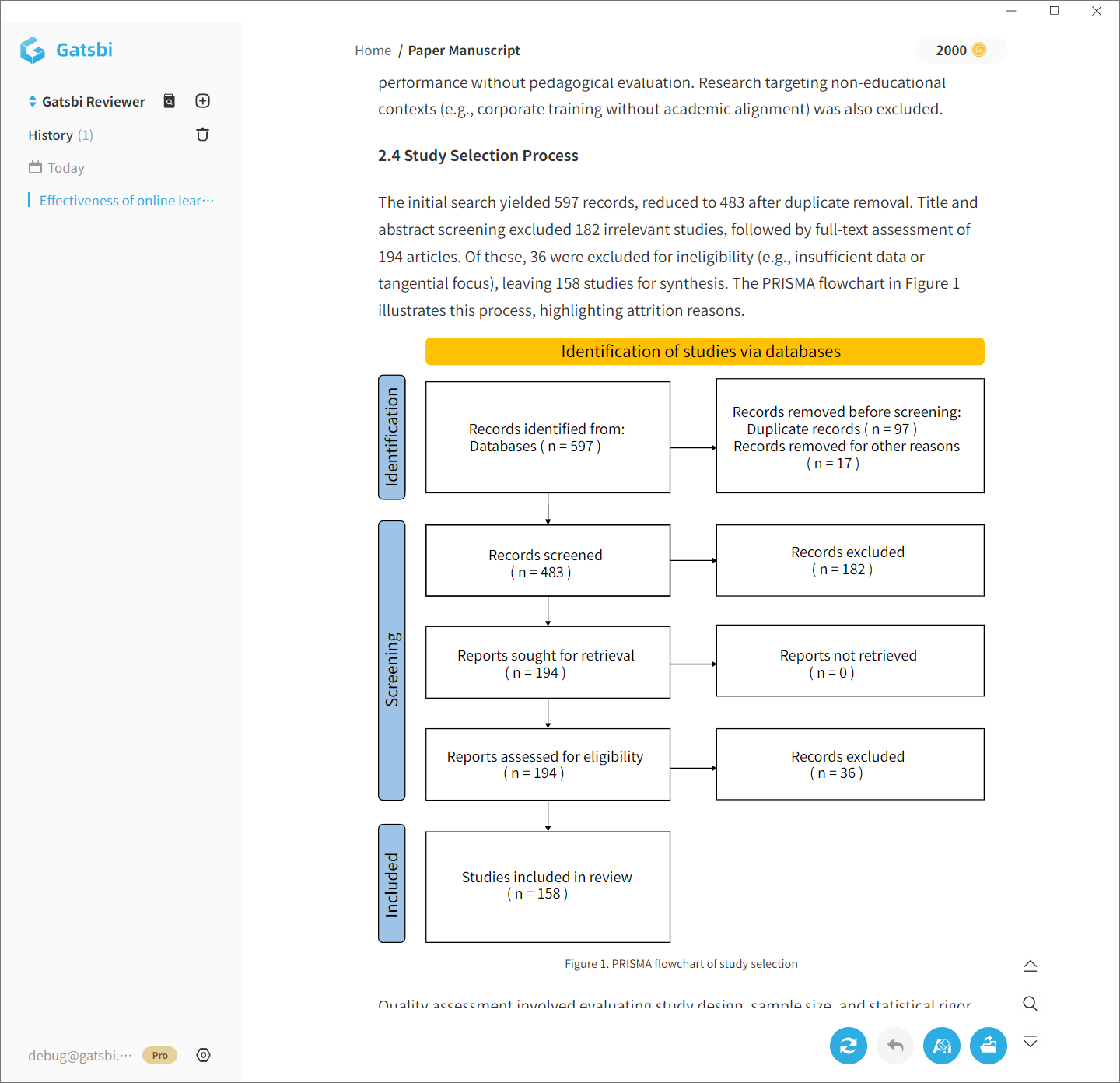
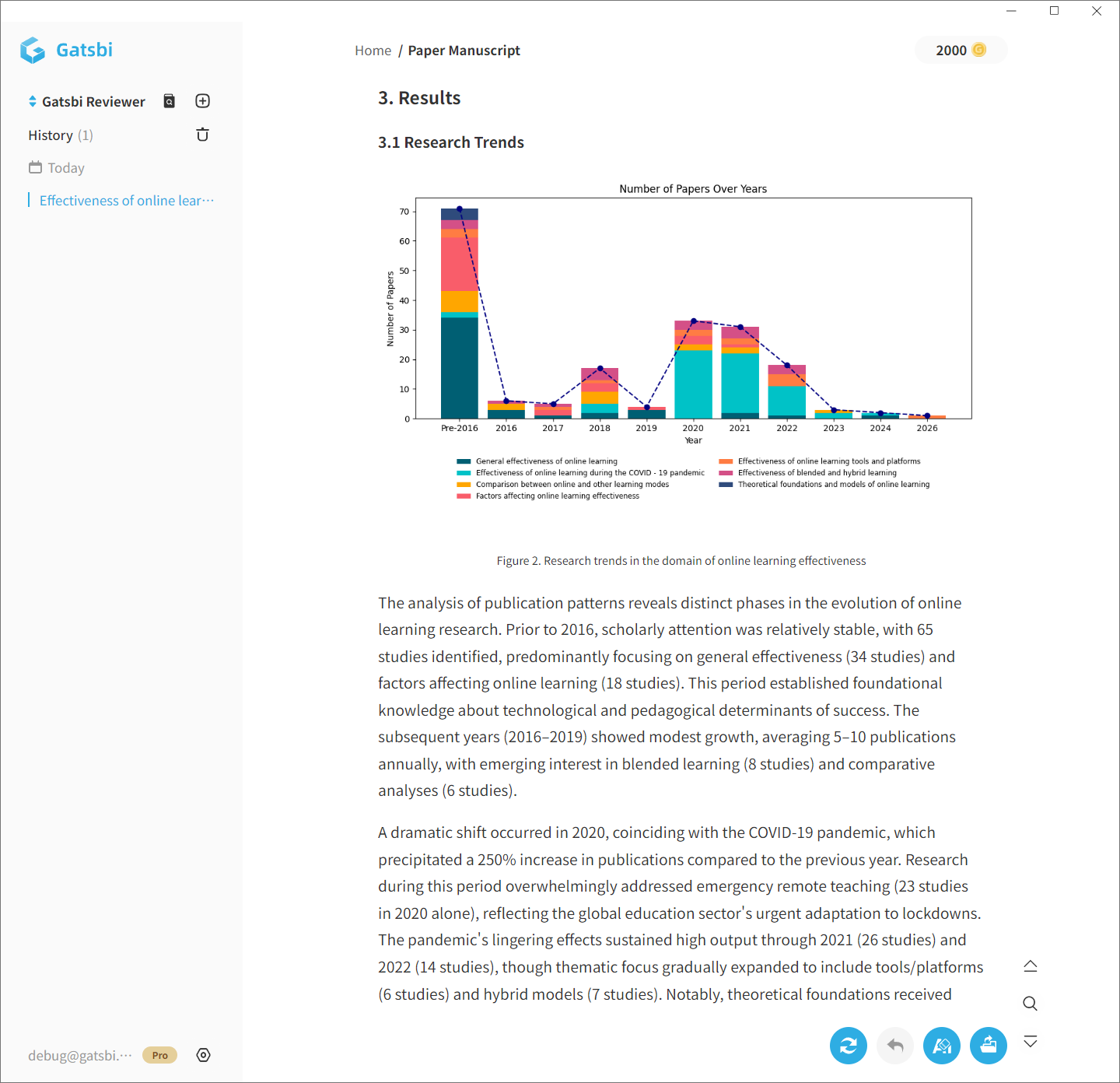
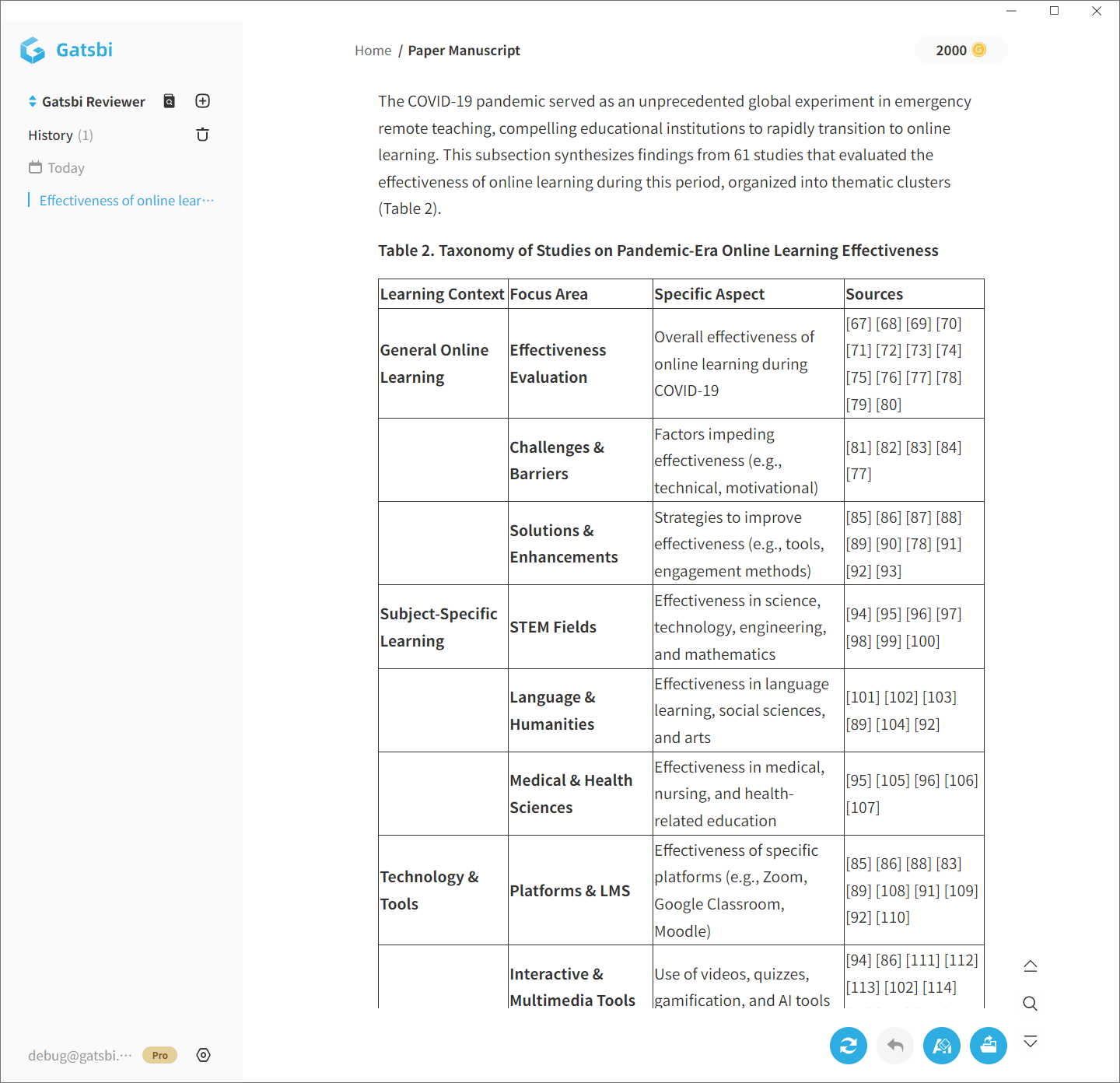
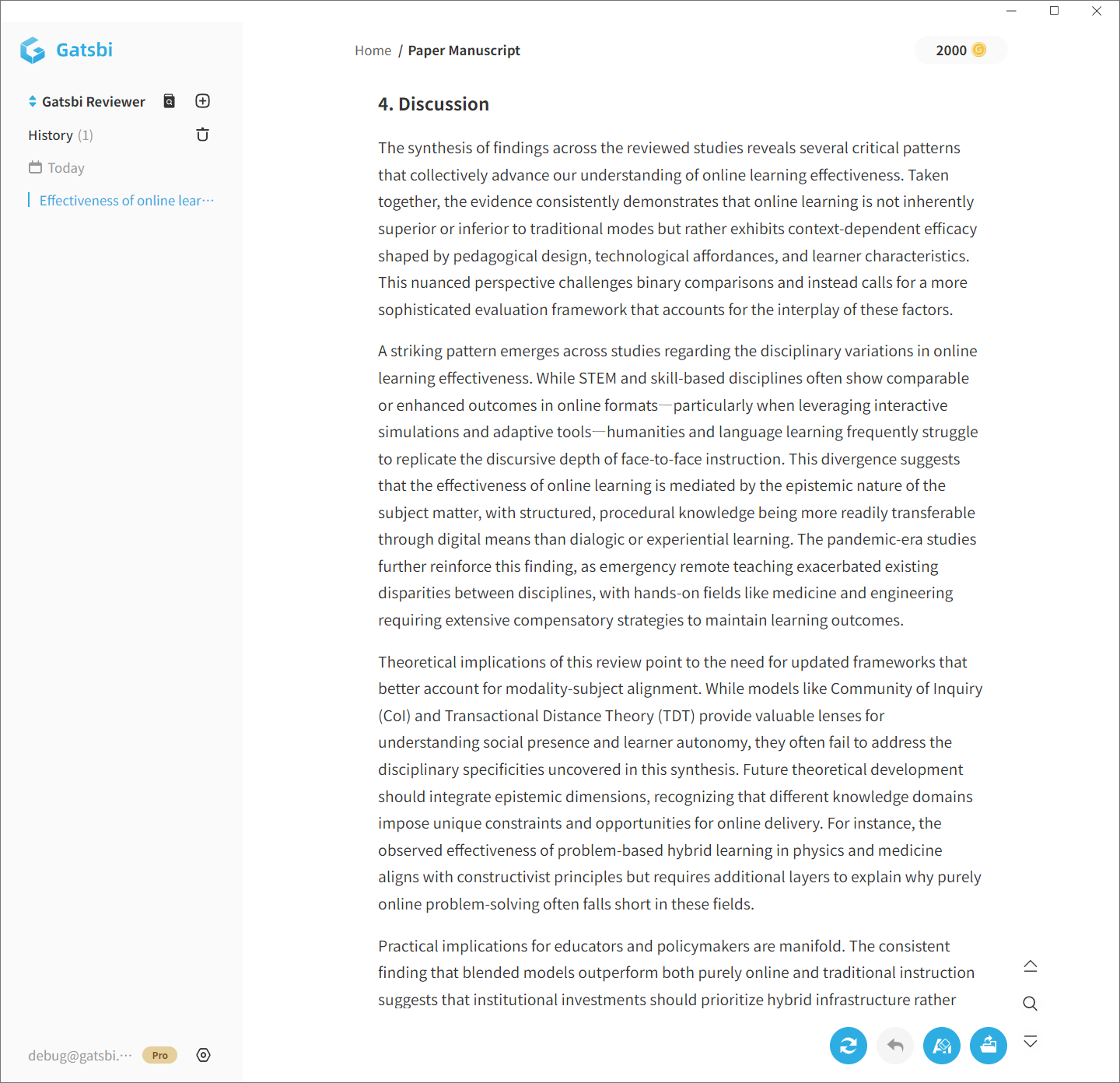
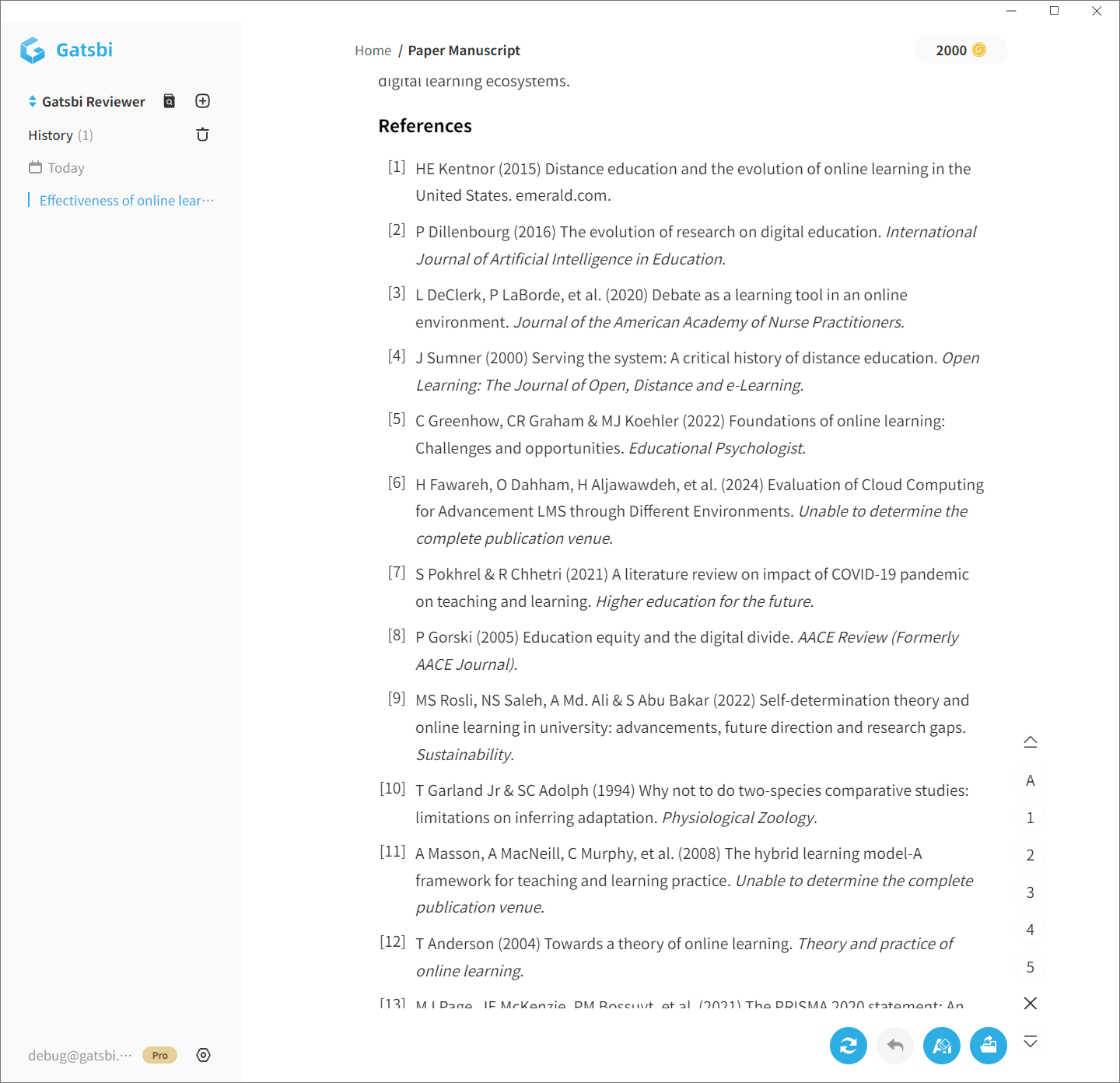
Example Systematic Literature Review Snapshots Generated by Gatsbi
You can also export the extracted raw data and key results by clicking the Export button.
That’s It!
You’ll receive a complete manuscript with:
- Clear sections (Introduction, Methods, Results, Discussion)
- Tables, plots, and statistics (for meta-analyses)
- Citations and references, auto-generated
Auto-generated Meta-analysis Manuscript
Whether you’re a student, researcher, or clinician, Gatsbi Reviewer makes evidence synthesis fast, accurate, and effortless.
Try Gatsbi Reviewer today!
Enjoy unlimited SLR and meta-analysis generation — and get 20% OFF with code G20OFF (limited-time offer).
Start Writing Now